
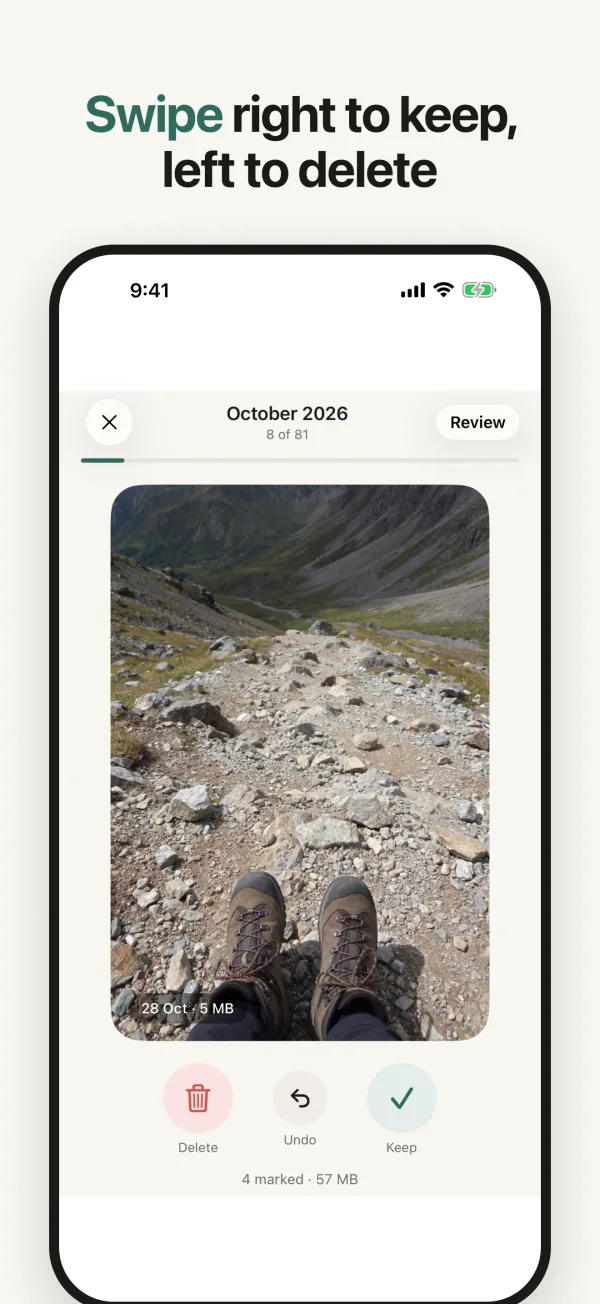
Swipe right to keep, left to delete. Sift finds duplicates and keeps the best shot, then shows exactly how much space you really got back.

For iPhone · Free to try · No account, no ads
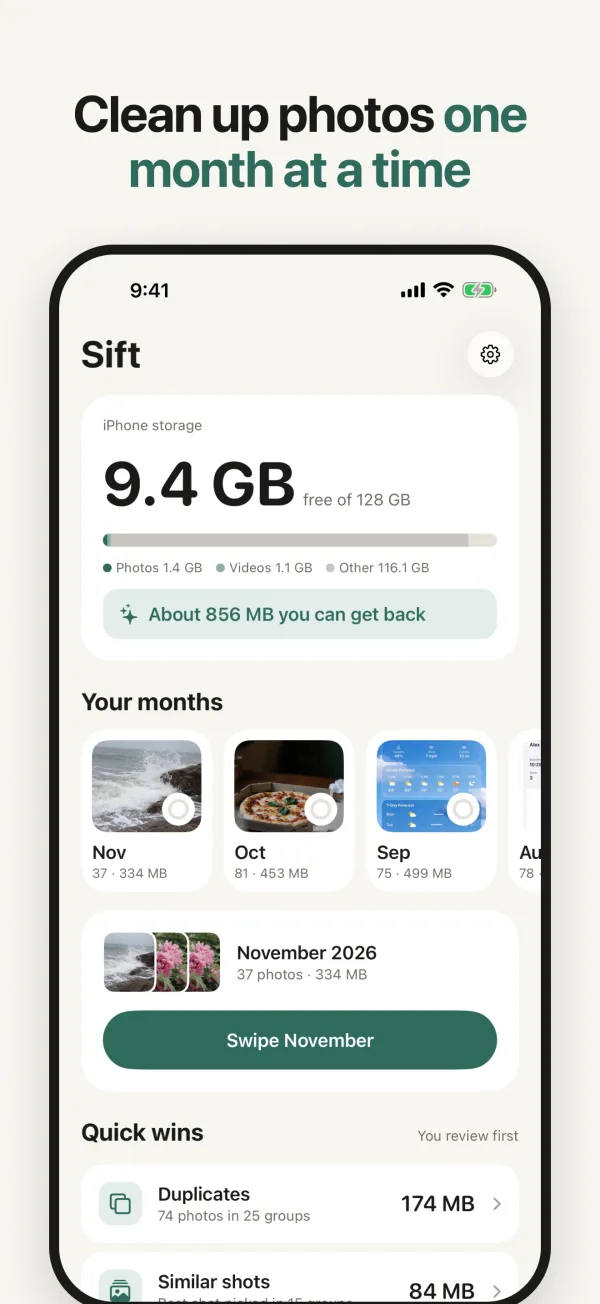
Most people clean their camera roll once, when storage is full. Sift makes it small enough to do every week.
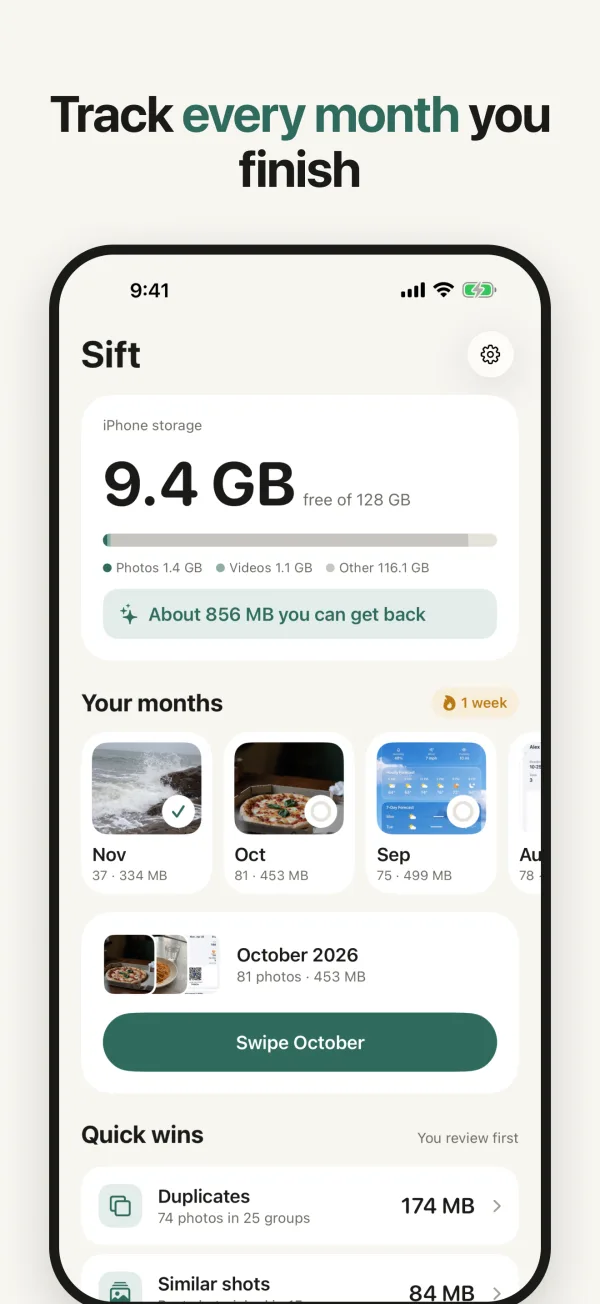
Pick a month and swipe: right to keep, left to delete. Undo any swipe. Each month gets a ring, so you always know where you left off.
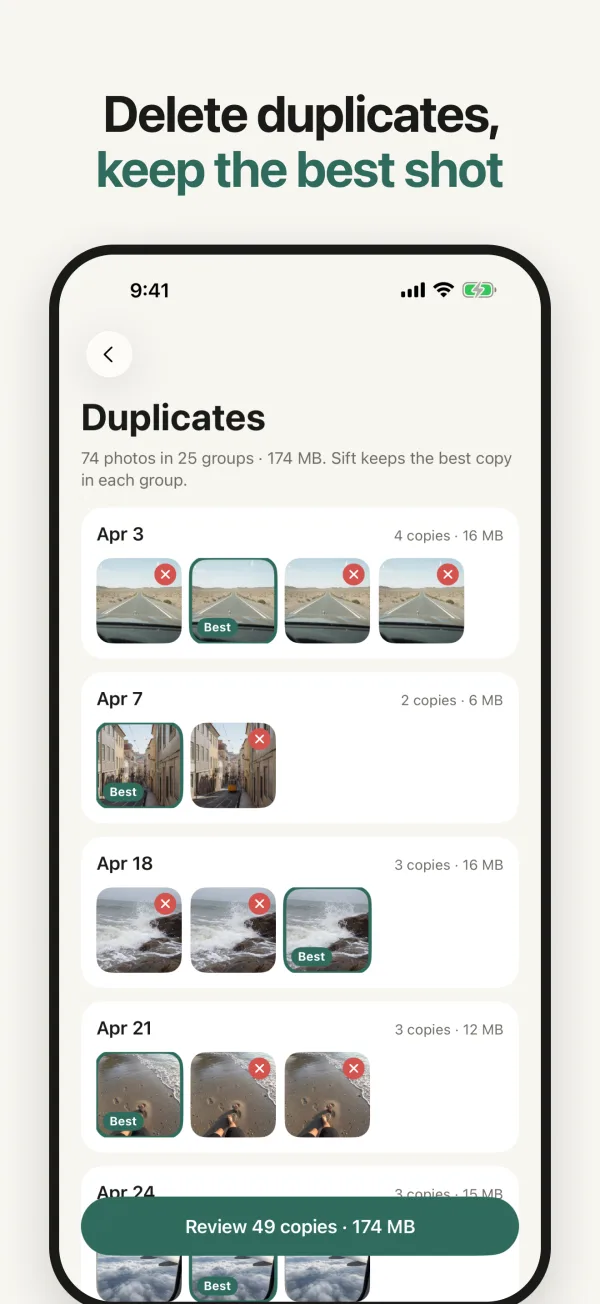
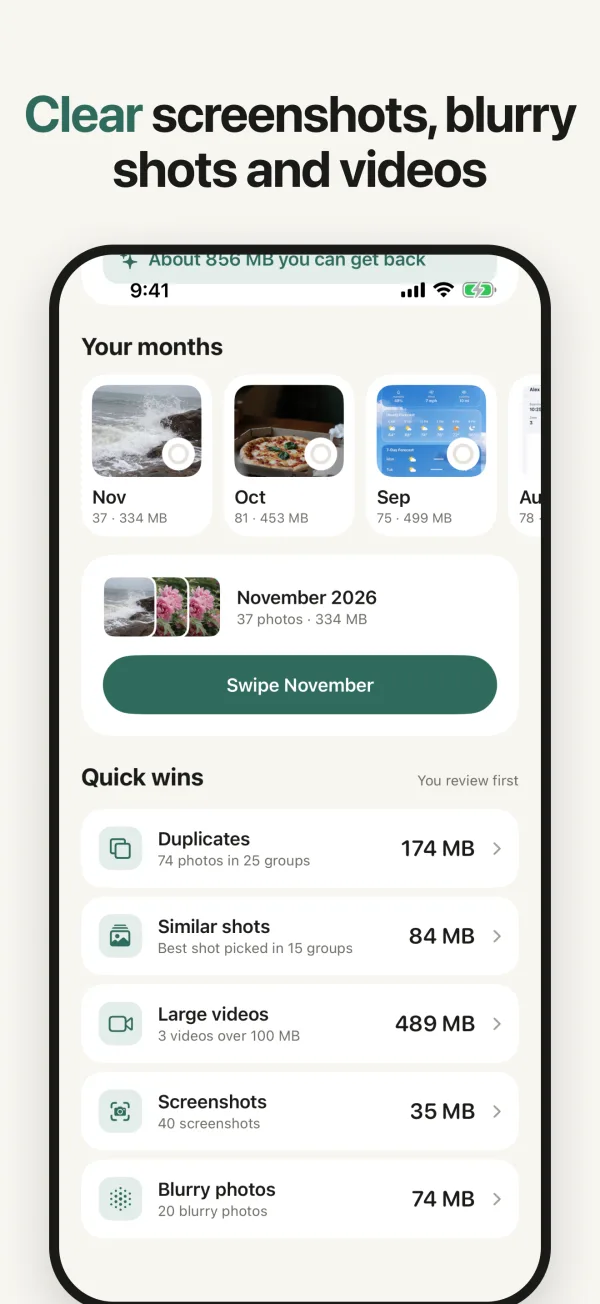
Sift groups duplicates and similar photos and picks the best shot for you. Tap to choose another. It never deletes the last copy in a group.
Screenshots, blurry photos and large videos, each with the space it takes, so you can clear the easy gigabytes first.
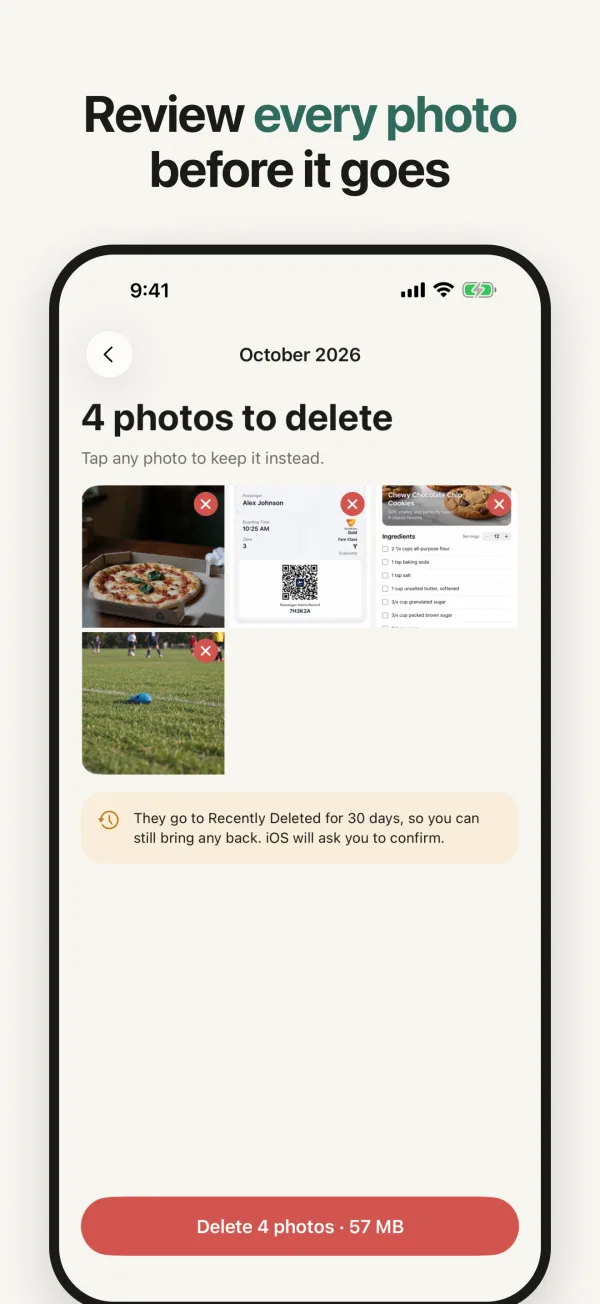
Nothing is removed until you check your picks, and iOS asks you to confirm. Favorites are never offered for deleting.
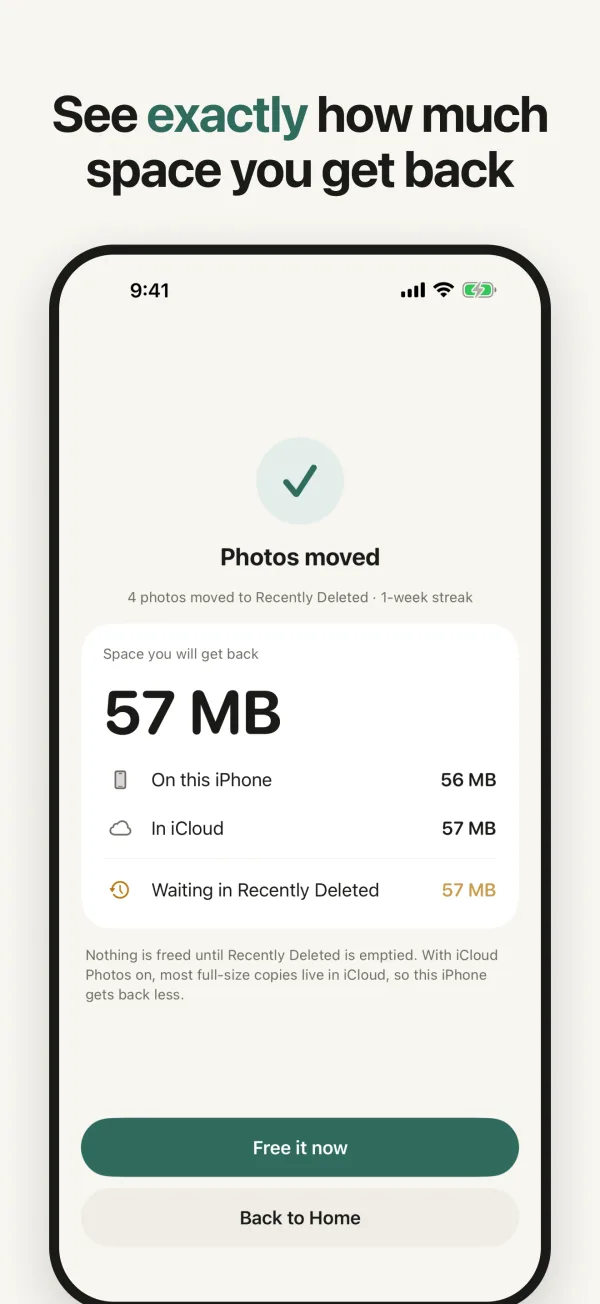
Deleted photos sit in Recently Deleted for 30 days, and photos stored in iCloud free iCloud space, not iPhone space. Other cleaners skip this and promise gigabytes.
Sift shows all three numbers, and only says “freed” once your iPhone’s free space has actually gone up. A short guide shows how to empty Recently Deleted, which iOS lets no app do for you.
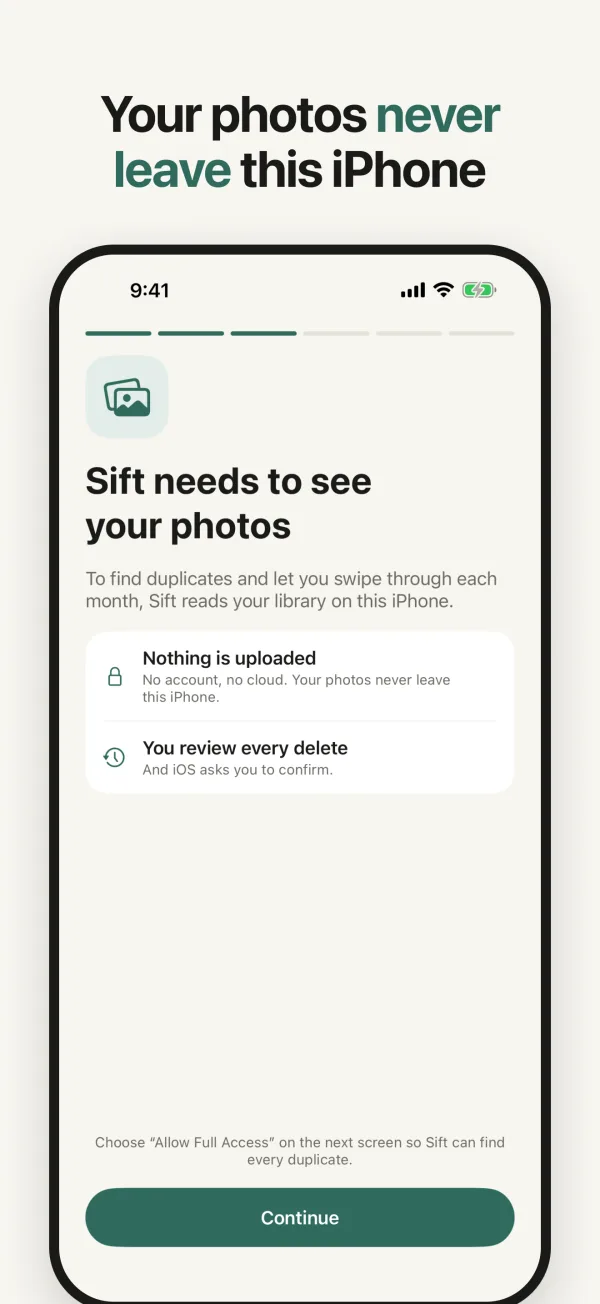
Sift looks at your library on your iPhone, with Apple’s on-device tools. Nothing is uploaded.
Open the app and start. There is nothing to sign up for.
Only a few anonymous usage counts, which you can turn off in Settings. Privacy policy
Prefer to share only some photos? Sift works with whatever you allow.
Every feature is free to look around, with 100 swipes a day. Sift Pro unlocks unlimited swipes and clearing Quick wins in one go.
100 swipes a day, every screen, no ads.
3-day free trial for eligible new subscribers.
Cancel any time.
Pay once, keep Pro.
US prices; the App Store shows the price in your country. Subscriptions renew automatically unless cancelled at least 24 hours before the end of the period. Manage them in Settings › your name › Subscriptions. Terms of Use
 Sift